GG Mouse Pro 3
Professional Mobile Gaming Tool with Wireless Activation, Macros, Recoil Control, and Keymapping. No Root Required!
Ready to Play
Advanced gaming features at your fingertips
What Our Users Say
"Works perfectly with Free Fire! The recoil control is amazing."
"No root needed! Super easy to set up and use. Love it!"
"The macro feature has completely changed my gameplay!"
About GG Mouse Pro 3
Professional gaming mouse software for everyone
What is GG Mouse Pro 3?
GG Mouse Pro 3 is a mobile application that allows Android gamers to connect physical keyboards and mice to their smartphones or tablets to play touch-screen-only games. It functions as a key-mapper, giving players PC-style control and mechanical accuracy for titles like Free Fire or PUBG Mobile.
Fast Performance
Optimized for maximum gaming performance
Secure & Safe
No root required, 100% safe to use
Features
Everything you need for professional gaming
Wireless Activation
Activate wirelessly from anywhere
Wired Activation
Direct connection for maximum reliability
Device-to-Device
Transfer settings between devices
Keymap Editor
Customize all your key bindings
Macro Support
Record and automate complex actions
Recoil Control
Perfect recoil compensation system
No Root Required
Safe and easy to use for everyone
Regular Updates
Always improving and updating
Tutorials
Step-by-step guides for every feature
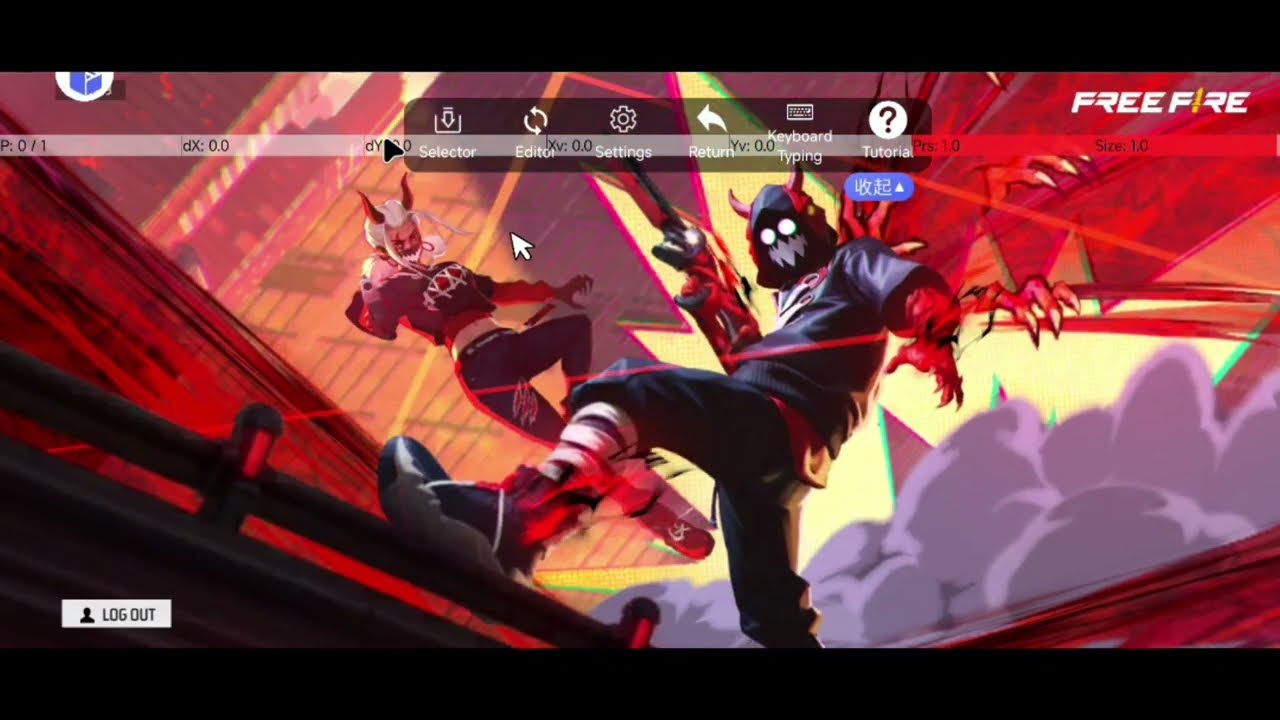
Basic Tutorial
Watch Basic Tutorial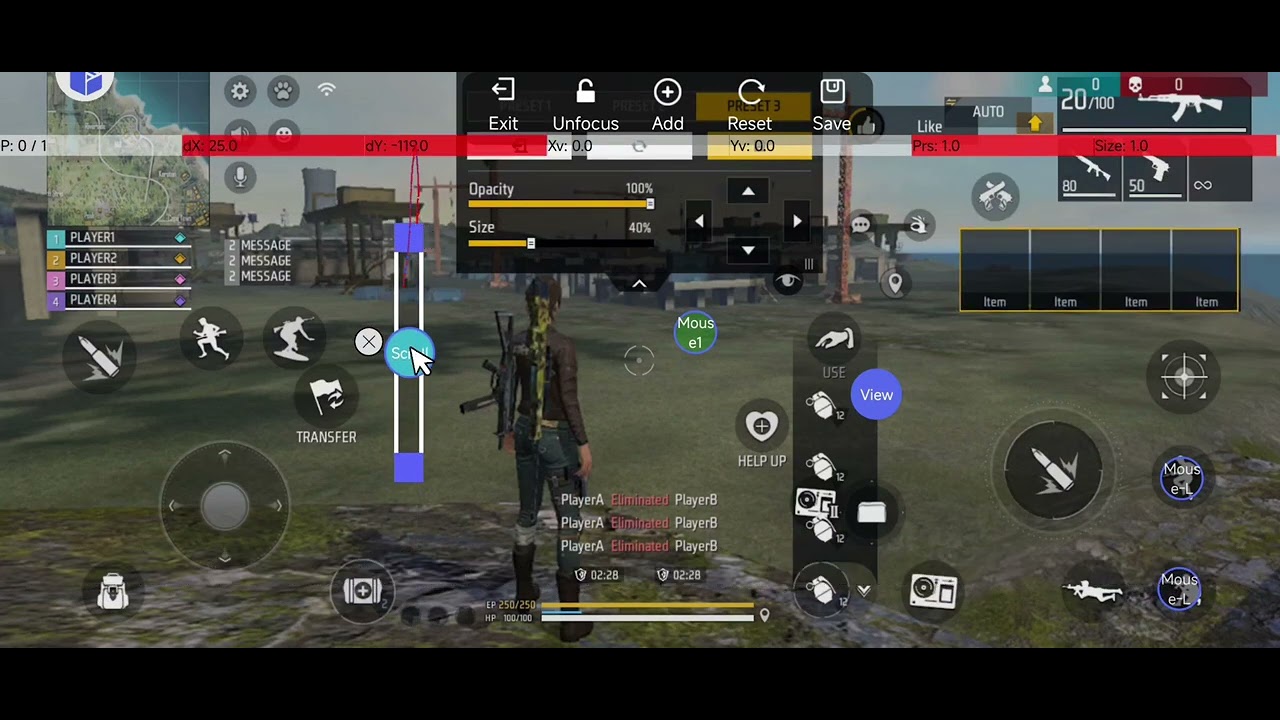
Keymap Editor
Watch Keymap Editor Tutorial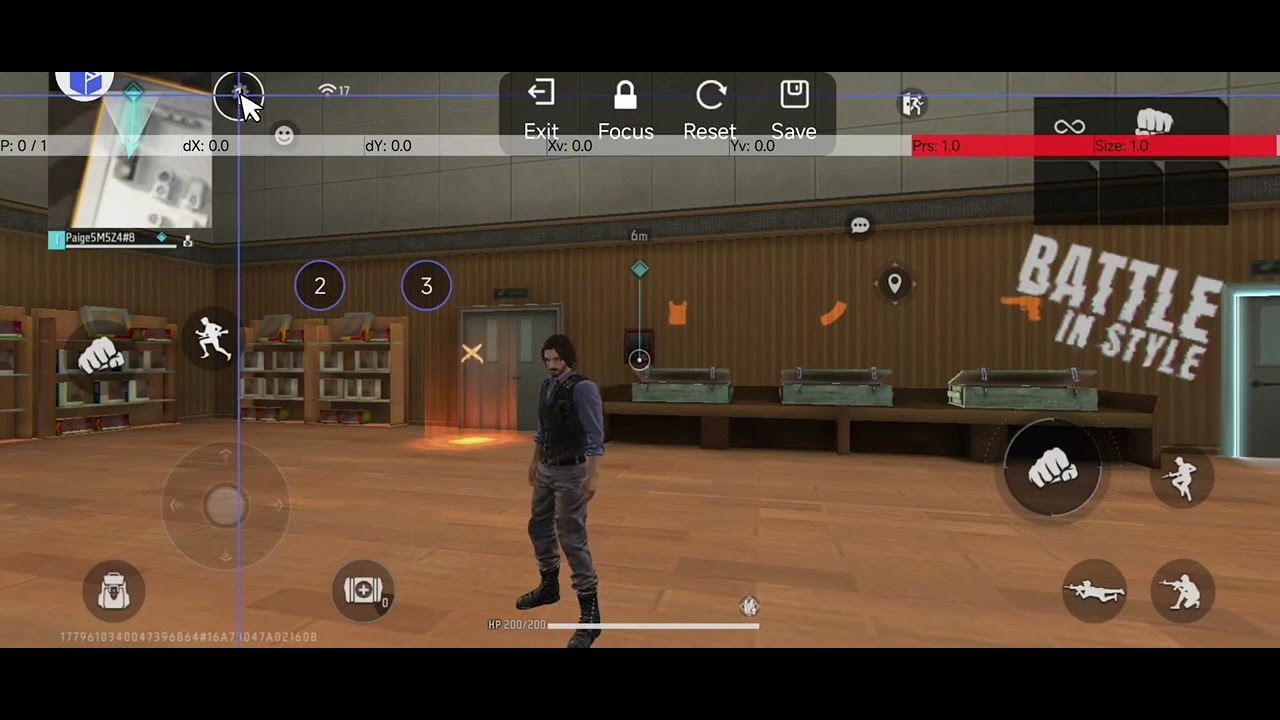
Macro Tutorial
Watch Macro TutorialSupported Macro Trigger Types
- • Key Down: macro triggers when pressing the keyboard button
- • Key Up: macro triggers when releasing the keyboard button
- • Loop: macro will trigger many times after you press the keyboard button and stop after you release the keyboard button
- • Down/Up: macro will trigger once when you press the keyboard and once when you release the keyboard button
Operations Explained
- • Tap: perform a tap on the screen. The duration of the tap can be adjusted
- • Press+Release: this option splits a tap operation into two operations. This is rarely used
- • Swipe: perform a swipe on the screen
- • Sleep: gives a latency between two operations
Terminate Hotkey
When the terminate hotkey is set, you can press the terminate hotkey to force stop a running macro. For example, if your macro has 5 operations and you press the terminate hotkey after two operations are done, then the remaining three operations will not be triggered
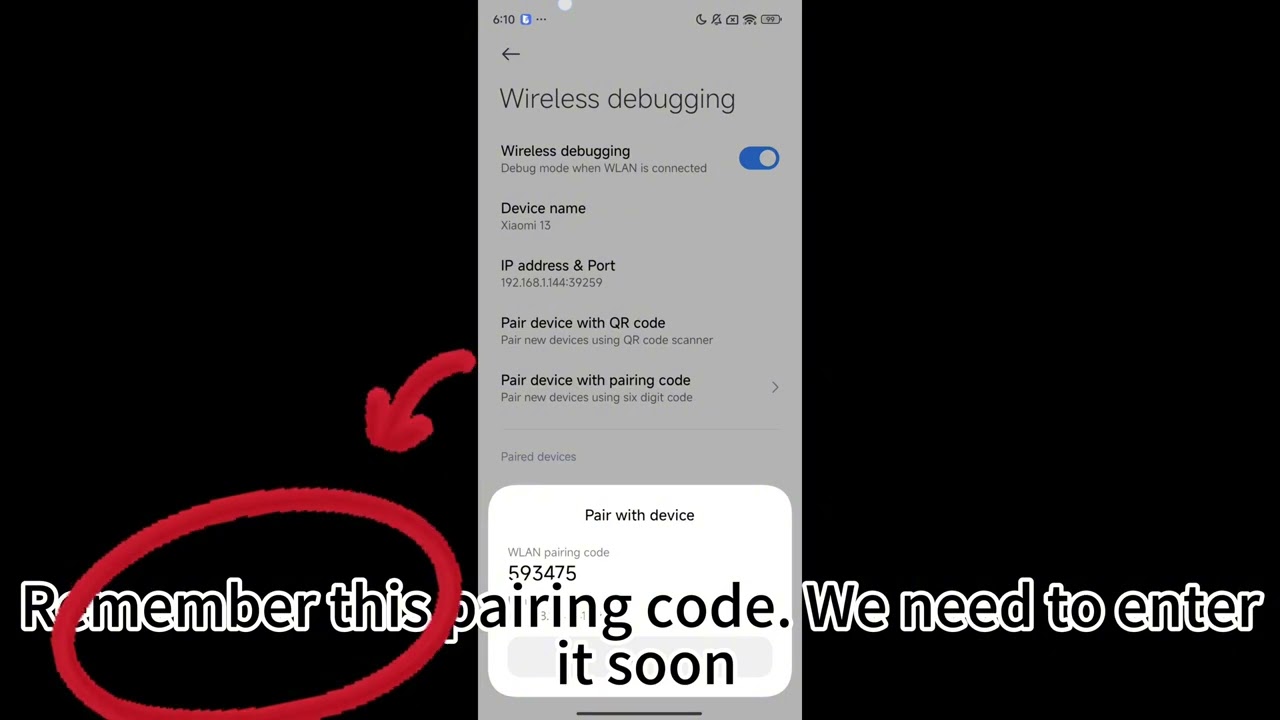
Wireless Activation
Watch Tutorial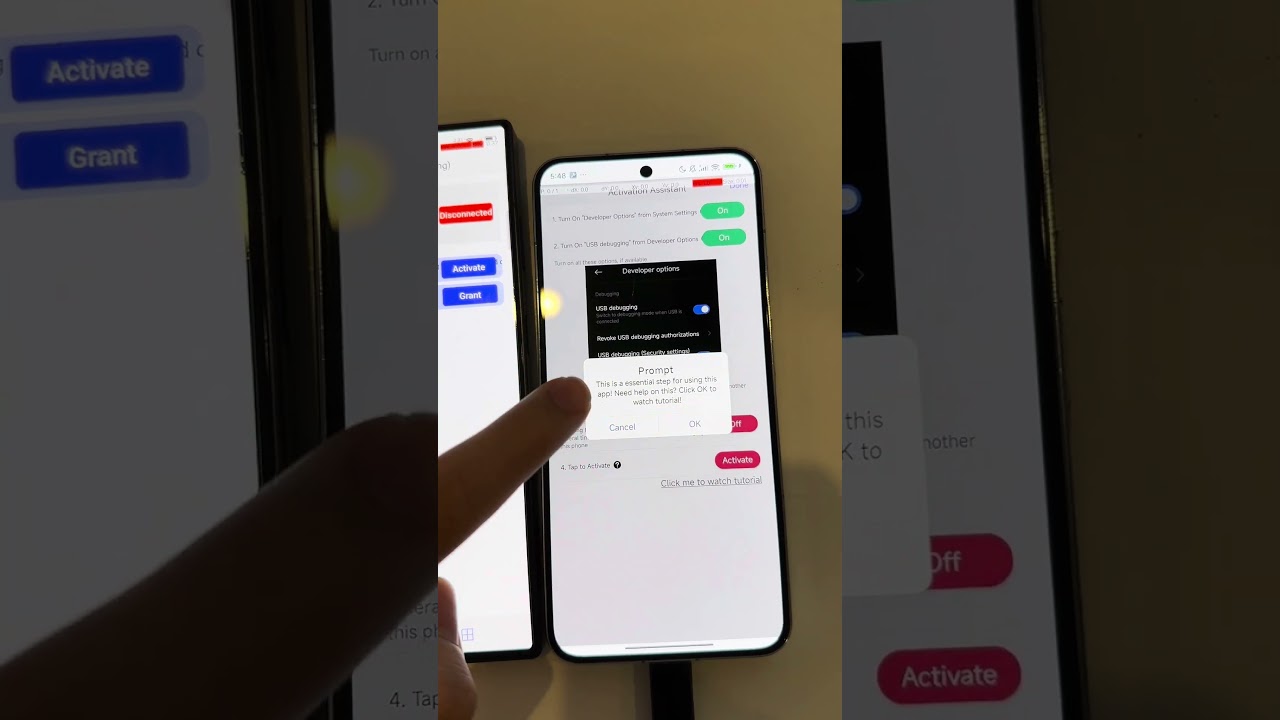
Device-by-Device
Watch Tutorial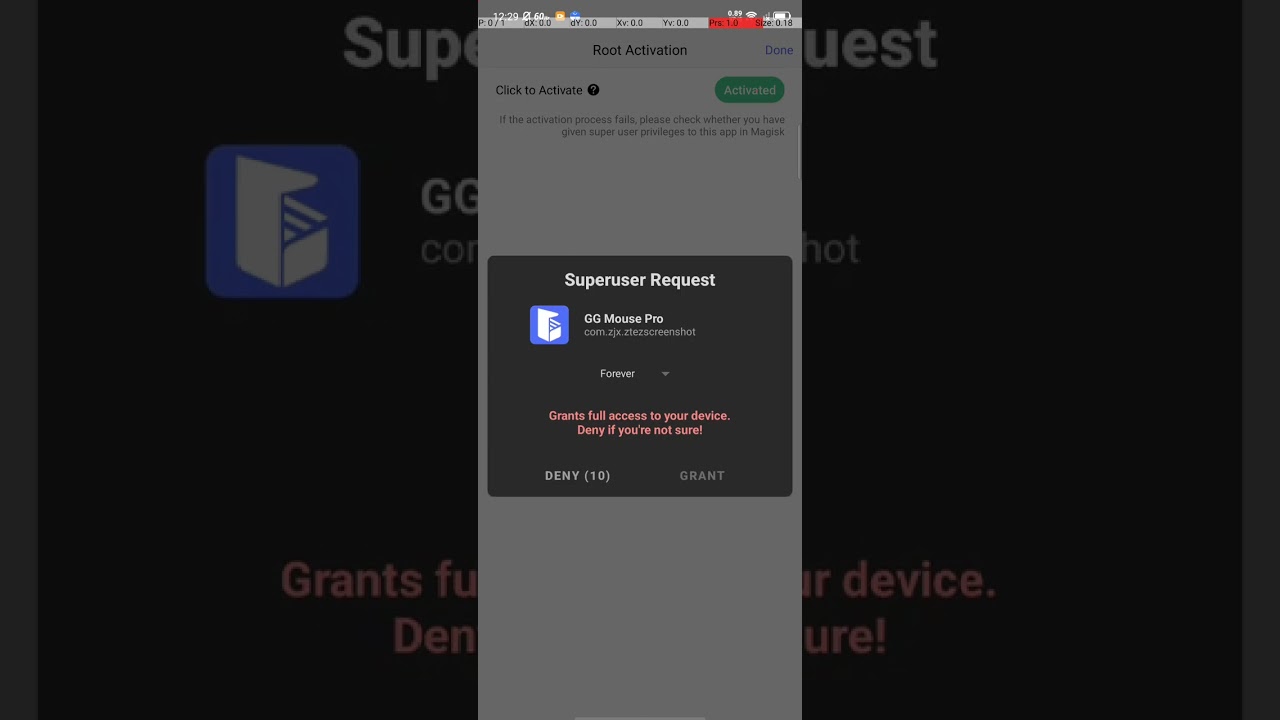
Root Activation
Watch Tutorial
Customize Mouse Pointer
Watch Tutorial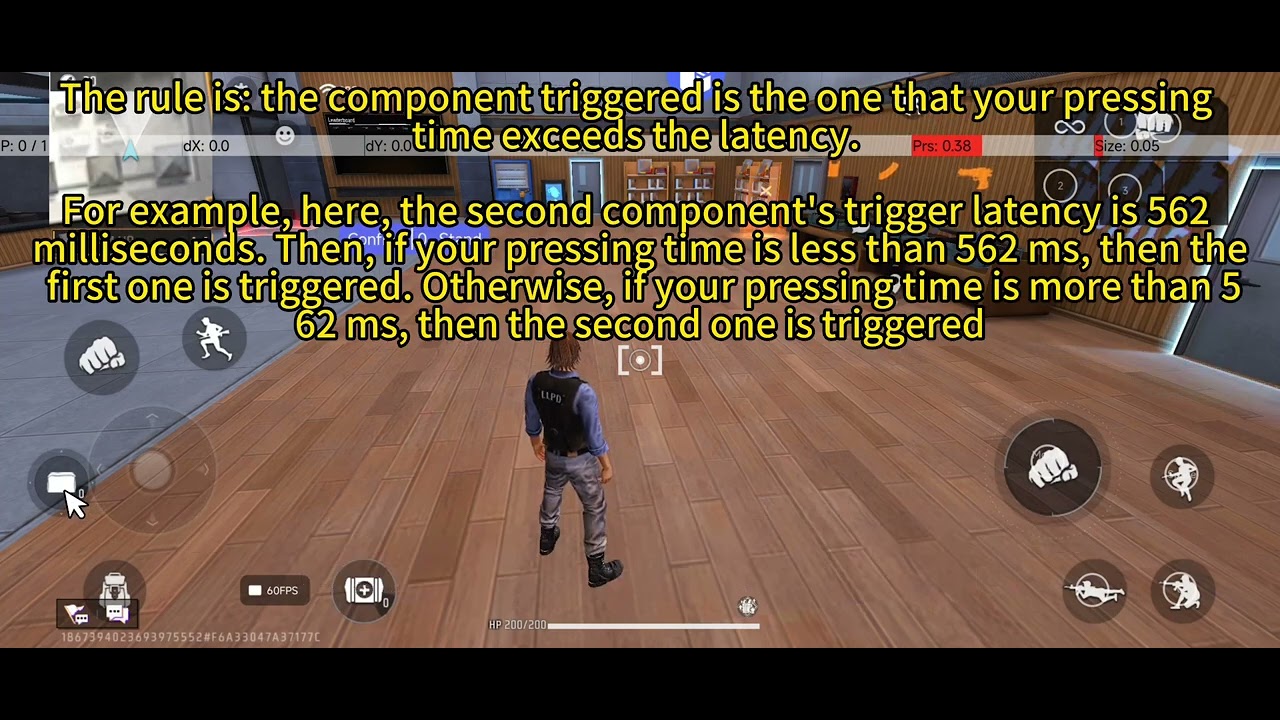
Long Press Trigger Group
Watch Tutorial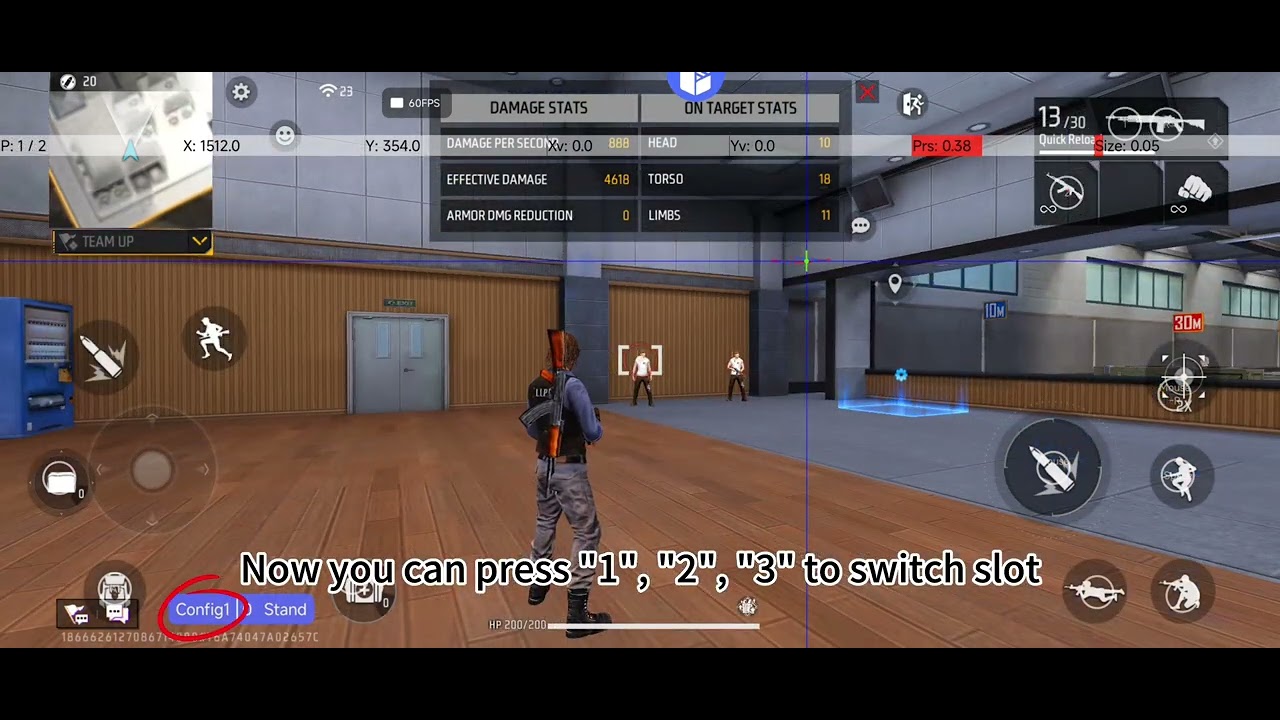
Recoil Control
Watch TutorialActivation Methods
Choose the best method for you
Wired
Most reliable method. Direct USB connection for maximum performance.
- Maximum reliability
- Low latency
- No lag issues
Wireless
Most convenient method. Works from anywhere with a connection.
- Easy to use
- No cables needed
- Fast setup
Device-by-Device
Activate directly from another device without computer.
- No computer needed
- Quick and easy
Root
Advanced method. Requires root access but offers full control.
- Full control
- Advanced features
- Requires root
Wired Activation - Step-by-Step
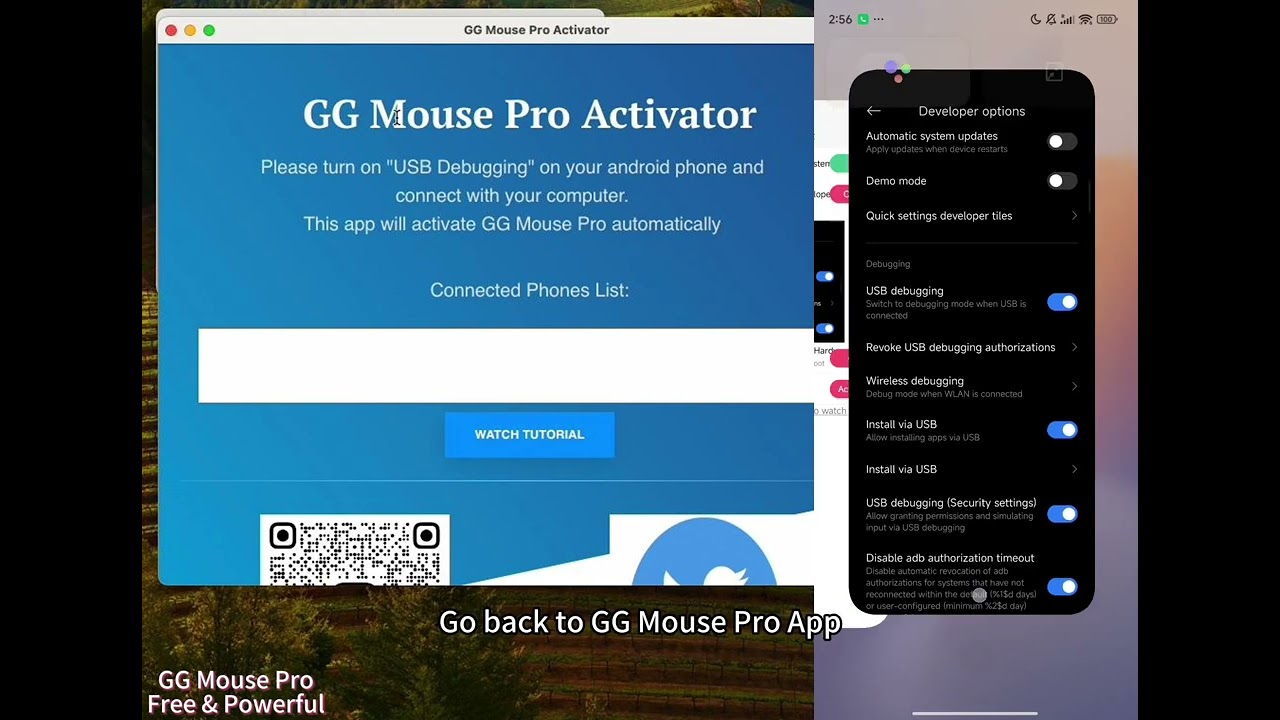
Text Tutorial
- Open the "Activation Tool" on your computer (Windows or MacOS
- Make sure "Developer Options" on your phone is on
- If USB Debugging is off: click the red "Open" button to navigate to Developer Options and turn on USB Debugging (for Xiaomi: also turn on USB Debugging (Security settings))
- Go back to GG Mouse Pro 3 app
- Connect your phone with your computer
- When successfully connected and activated, the third row of GG Mouse Pro 3 App activation page becomes green automatically
Things to Notice
- • Ensure Developer Options must be turned on
- • Check that your computer recognizes your phone correctly
- • Use a working USB cable
- • Try re-opening the activator app and reconnecting if issues occur
Quick Setup Requirements
Minimum Requirements
- • Android 7.0 or higher
- • 1GB RAM minimum
- • Stable internet connection
- • Compatible mouse
Recommended
- • Android 10.0 or higher
- • 4GB RAM or more
- • Wi-Fi or 4G connection
- • Gaming mouse
Frequently Asked Questions
Find answers to common questions
Support
Get help with any issues
Common Problems
Contact Support
Contact Us
Get in touch with our team
Build your keyboard and mouse setup
Practical guides for installation, game controls, and choosing compatible hardware.
Free Fire keymapping
Align your HUD, choose bindings, and tune sensitivity.
PUBG Mobile setup
Check input, plan controls, and troubleshoot your profile.
Keyboard & mouse buying guide
Compare connections and check compatibility before buying.
Macro setup
Understand triggers, timing, and testing.
Fix input problems
Diagnose connections, activation, and misplaced controls.
All setup guides
Find installation, activation, and keymapping help.